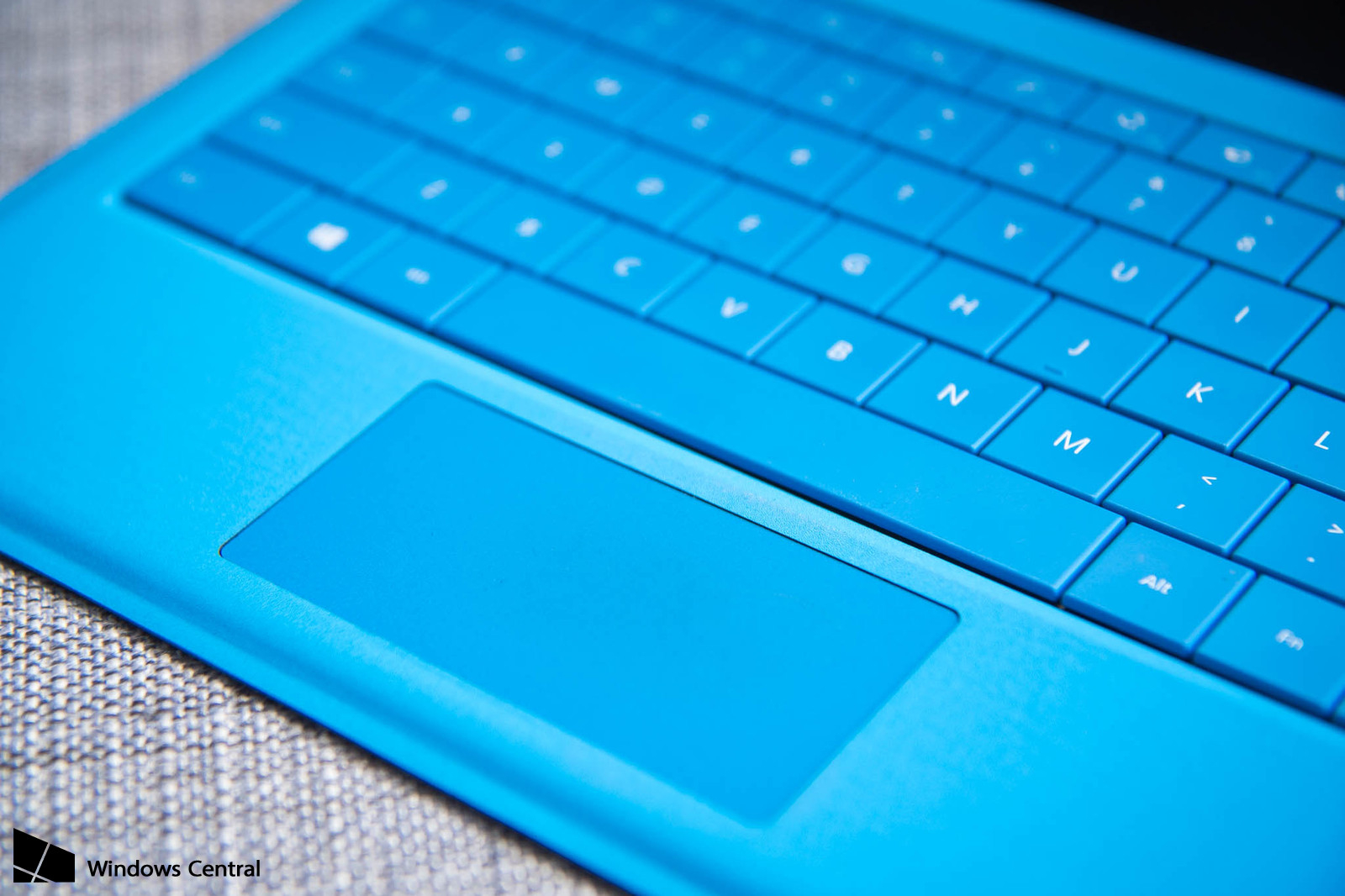
Elan’s Smart-Pad mouse pads are among the most common ones, together with Synaptic’s.
However, some laptops might have some issues after updating to Windows 10, specifically finger gestures not working anymore (two-finger scroll, zoom pinch), if the Elan drivers were also installed (by you, your laptop’s Update Software or Automatic Windows Driver Updates).
Older Elan’s drivers unfortunately don’t seem much compliant with Windows 10, nor there seem to be an official updated driver, so we will simply get rid of them and use the default Microsoft ones, that work perfectly.
Good news is the isseu is very easy to fix, with no need to install anything.
Not all trackpads will get their gestures restored, it still depends on how old your laptop is, but you will at least get the scroll and zoom back.
2-3 year old laptops should also retain more advanced gestures (three-finger swipes).
This was tested on a 2011 Samsung E452 laptop, but should work on any laptop mounting an Elan mousepad.
Press Windows key + X on your keyboard and select “Device Manager“.
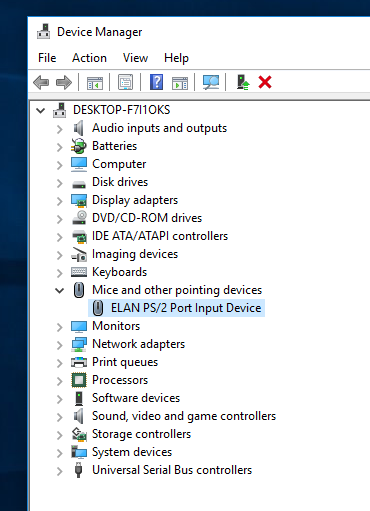
Once there, select the Elan mouse, right click on it and then click on “Update Driver Software“.
Now select the secon option “Browse My Computer for Driver Software“.
In the next screen, click on the bottom option “Let me pick from a list of device drivers on my computer“.
All you have to do now, is select “PS/2 Compatible Mouse” and click on Next.
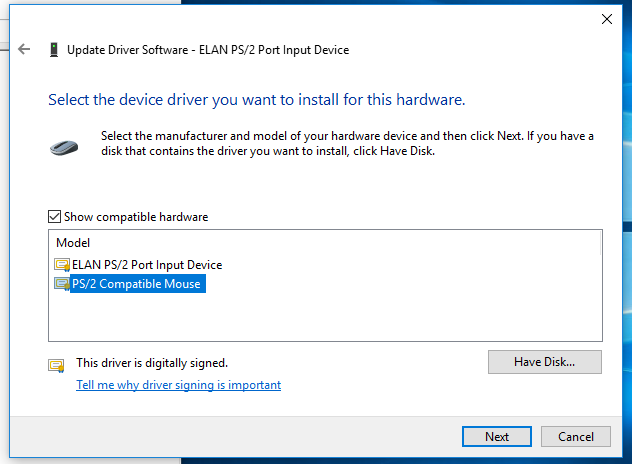
Once the process is over, restart your laptop and enjoy mouse gestures!